
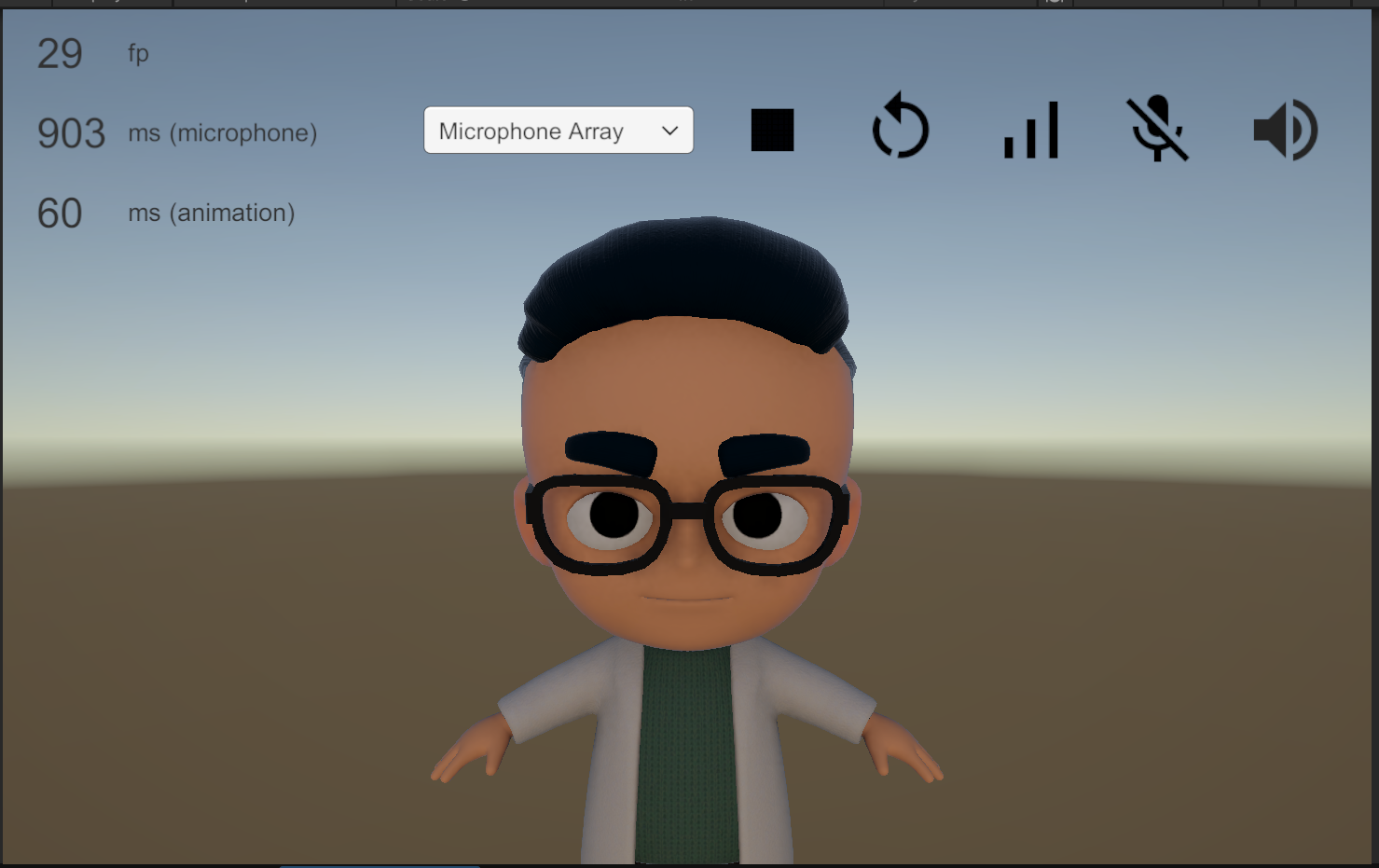
Rapport DemoUIController
The DemoUIController.cs script is a key example provided in the samples package. It demonstrates how to manage a Rapport session through a user interface. This script acts as a central hub, calling methods on the core RapportSession.cs component to control the session and manage the UI's state.
How it works
The DemoUIController script has a serialized field that holds a reference to a RapportSession component, which is the main component that handles the connection to the Rapport cloud.
The script's primary functions are:
-
Starting the Session: When the user clicks the "Start" button in the demo UI, the
StartRapportSession()method is called. This method validates that a microphone is connected and then initiates the Rapport session by callingSession.StartSession()on the referencedRapportSessioncomponent.
-
Binding Outputs: After the session has successfully started, the
WaitForSessionStart()coroutine is executed. This coroutine waits until theSessioncomponent is ready and then binds the outputs (audio and animation) to the respective Unity components. This is done by callingSession.BindPlayer(), which directs the real-time audio and animation data from the Rapport session to theOutputAudioSourceandOutputAnimatorin your scene.
-
Stopping the Session: When the "Stop" button is clicked, the
StopRapportSession()method is called. This method simply callsSession.StopSession()on theRapportSessioncomponent, which properly closes the connection and ends the session.
By examining the DemoUIController script, you can see how to programmatically control a Rapport session and respond to its state changes within a Unity application