
Rapport Debug Window
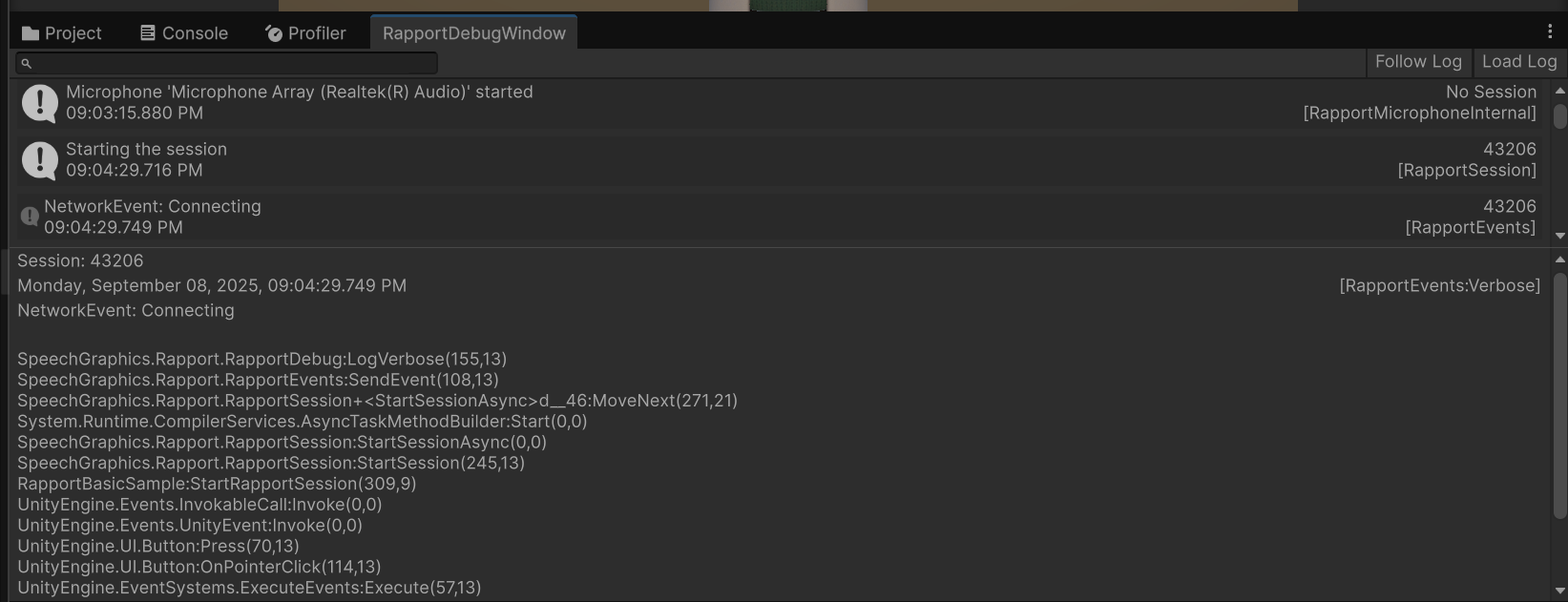
The RapportDebug class provides a robust and flexible logging system for the Rapport Unity Plugin. It is an internal class designed to give developers granular control over the level of detail logged to the Unity console and, optionally, to a local log file. This is an essential tool for troubleshooting and development.
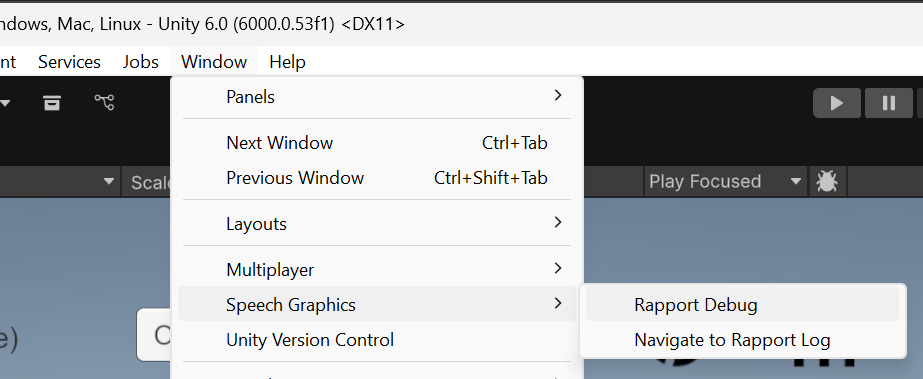
To open the Rapport Debug Window, go to Window > Speech Graphics > Rapport Debug
Log Levels
The RapportDebug system uses a LogLevel enum to categorize log messages, allowing you to filter the output based on your needs. The current log level is set internally, but understanding these levels is key to interpreting the log output.
-
None: Disables all logging. -
Verbose: The most detailed log level. Use this for in-depth debugging, as it logs everything. -
Info: Logs significant informational messages and milestones. -
Warning: Logs potential issues that do not prevent the application from running but may indicate a problem. -
Error: Logs critical errors that cause an operation to fail. -
ErrorAndWarning: A common setting that logs only warnings and errors. -
All: Logs every message at every level.
Log File
In addition to logging to the Unity console, the RapportDebug system can also write log messages to a local file. This is enabled when inside the unity editor, and when the RAPPORT_DEBUG preprocessor directive is defined. The log file, named RapportDebug.log, is stored in the application's persistent data path.